A deployment is a versioned snapshot of your agent code running on the server.

Creating Deployments

Deploy your agent using the CLI:
blink deploy
You can include a message describing the deployment:
blink deploy -m "Added GitHub integration"

Deployment States

StateUI LabelDescription
pendingPendingDeployment created, waiting to start
deployingDeployingContainer is being created and started
successReadyAgent is running and receiving requests
failedFailedDeployment failed (check error message)

Viewing Deployments

View deployment history in the web UI under your agent’s Deployments tab. Each deployment shows:
  • Number - Sequential deployment number (e.g., #1, #2, #3)
  • Status - Current state with indicator
  • Duration - How long the deployment took
  • Message - Optional description from -m flag
  • Created by - User who triggered the deployment
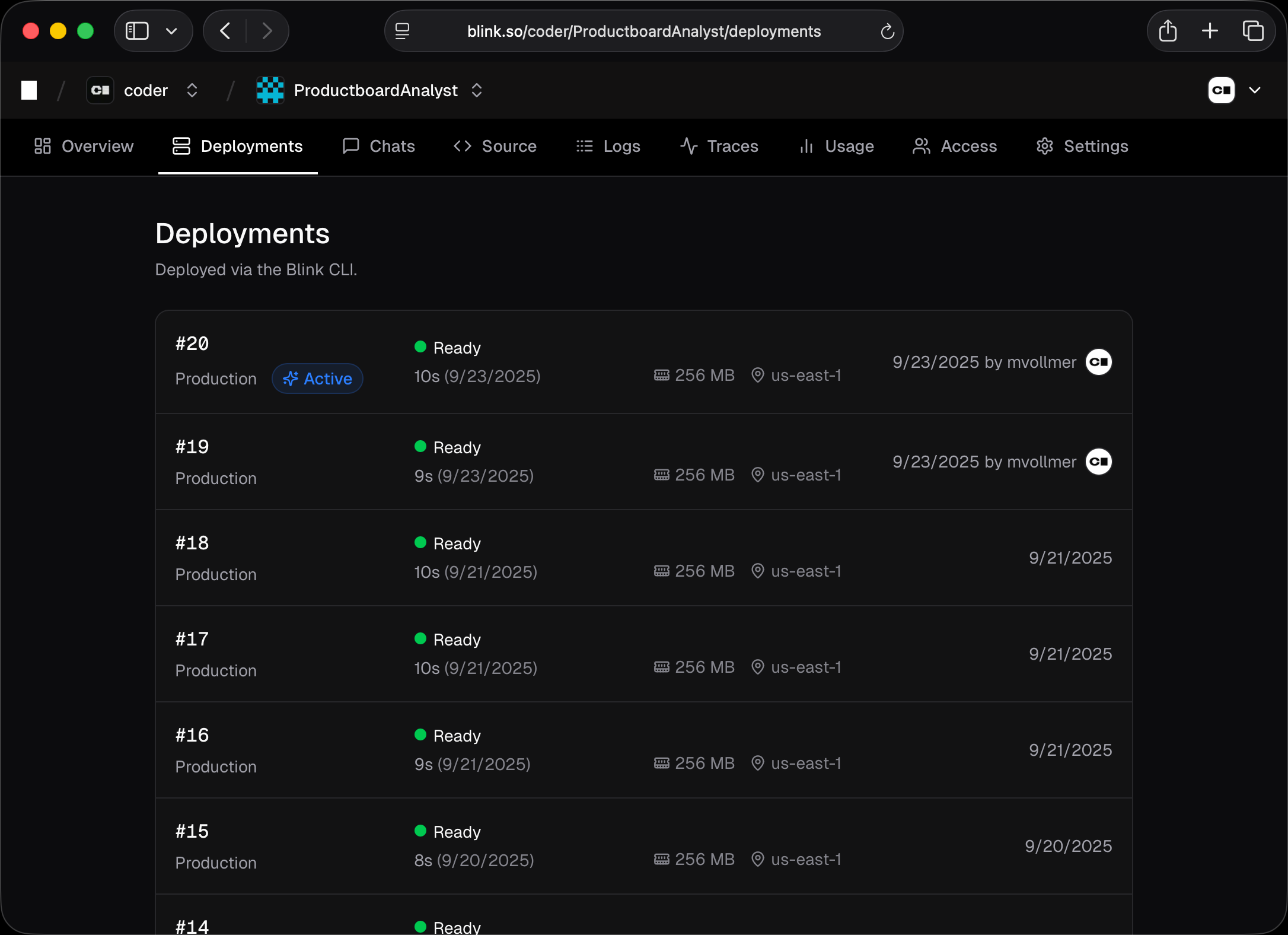
The active deployment (receiving traffic) is marked with an “Active” badge. Deployments

Re-deploying

To redeploy a previous deployment, click the menu icon on any deployment in the list and select Re-deploy. This creates a new deployment using the same code but with the current environment variables.