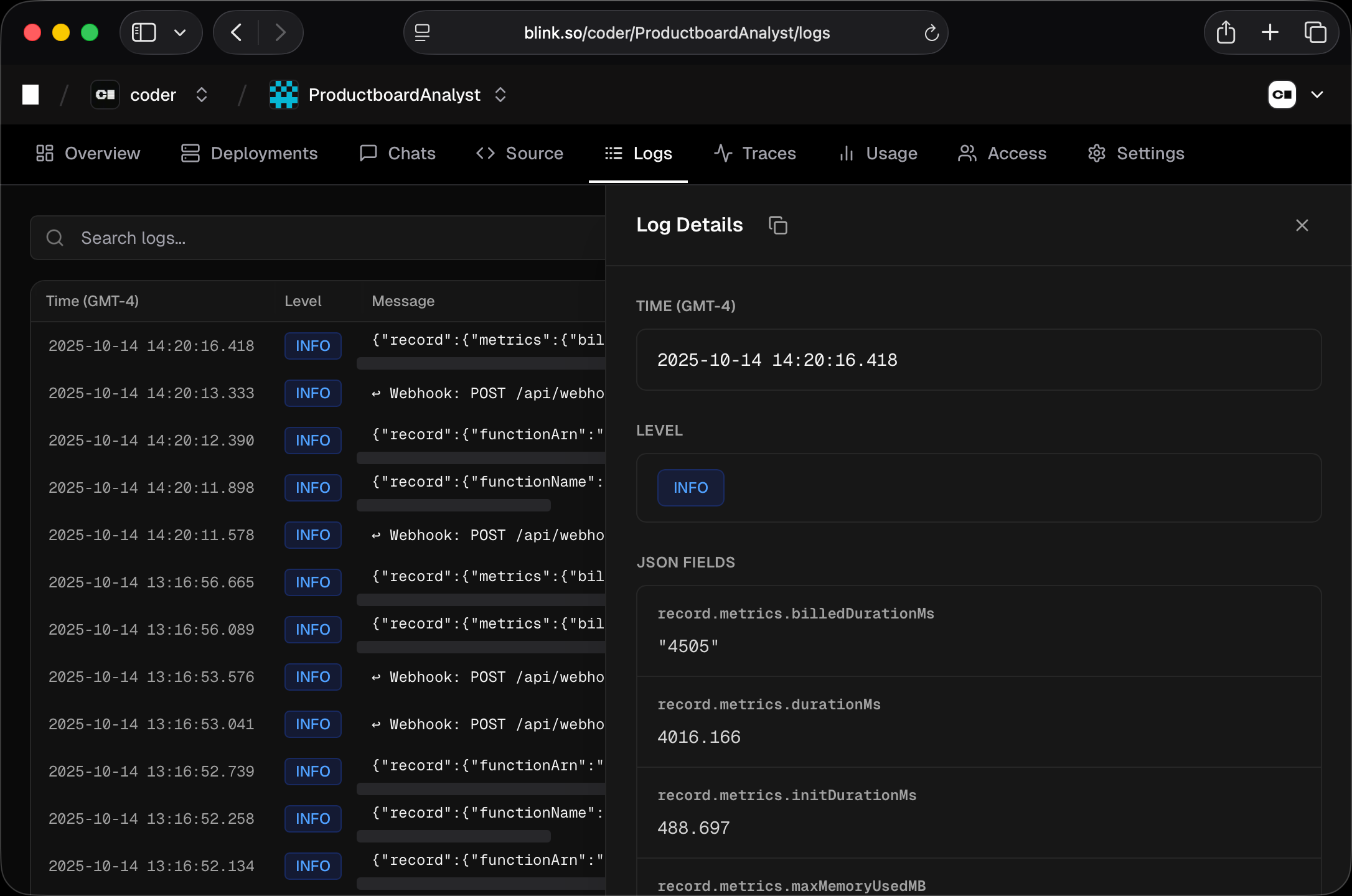
View agent logs in the web UI under your agent’s Logs tab. Logs

Log Levels

LevelDescription
infoInformational messages
warnWarnings
errorErrors

Filtering Logs

  • Search - Filter logs by message content (supports * wildcards)
  • Date range - Select a time range (default: last 24 hours)
  • Reload - Refresh the log list
For example, searching *error*failed matches any log containing “error” followed by “failed”, such as “connection error: request failed”.

Log Details

Click on any log entry to open a sidebar with the full log details. If the log contains trace_id or span_id fields, a View Trace button appears. Clicking it navigates to the Traces page filtered to that specific trace.

Storage

Logs are stored in PostgreSQL. There is currently no automatic retention policy - logs are stored indefinitely. This is because Blink is in early access and automatic log retention has not yet been implemented. To manually delete logs older than 7 days, run the following SQL query against your database:
DELETE FROM agent_log WHERE timestamp < NOW() - INTERVAL '7 days';